
Smart Home AI Installation – Automation, Smart Home Control in Warsaw, full installation service for cameras, video intercoms, intercoms and AI in the home.
Installation of video intercoms, Wi-Fi cameras
+48 570 933 114
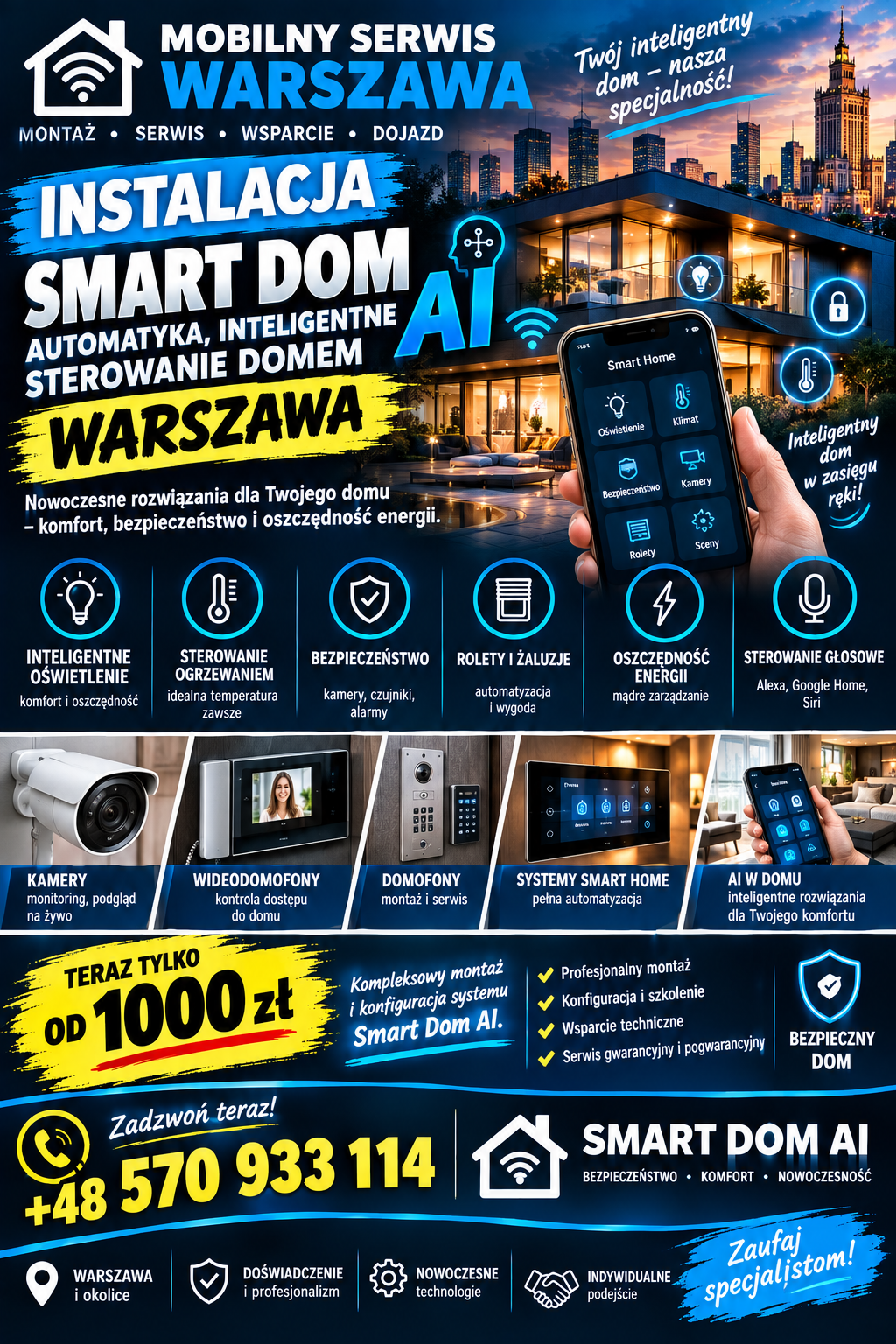
Installation, replacement and repair services indoor and outdoor WiFi cameras, IP cameras, wireless cameras with motion detection, PTZ cameras, wide-angle cameras, cameras with night mode, recorders, video intercoms, peepholes with cameras, external motion sensors.
Your home is fully under control!
Manage lighting, heating, roller shutters, and gates – all from a single app, thanks to intelligent installations that I personally install, from scratch, in houses and apartments in Warsaw and the entire Masovia region.
I do this every day, so I'll take the liberty of writing this a bit differently than a typical service description. I don't want to sell you marketing slogans about a "technological revolution"—I want to show you what installing home automation systems actually looks like, because I'm the one kneeling at the switchboard, drilling holes in the wall for the junction box, and configuring the app while sitting on your couch with my laptop in the evening, so that the "Goodnight" scene actually turns off all the lights, not just half.
How much might a repair cost?
Take a photo of the fault
Add a photo, describe the problem and check the possible repair and cost.
Have a follow-up question? OpenAI Assistant
Why am I even involved in home automation?
I started with traditional electrical installations and monitoring. At some point, clients started asking if it was possible to combine all of this – to have the camera "talk" to the alarm, to have the blinds close automatically when the sun gets too hot, to prevent the heating from running at full speed when no one is home. I started digging into it, testing various systems, installing the first installations at friends' homes – and that's how it all began. Today, home automation systems are a core part of my work, and Smart Home AI is the brand under which I implement these installations comprehensively: from the first phone call, through the design, to the last cable plugged into the distribution board.
I'm writing this as Mobile Service Warsaw – because I actually travel around the city and throughout the Mazovia region, installing, configuring, and servicing. My name is Konrad Wiśniewski, and this describes what I do every day at work.
What exactly do I install – the scope of my services
When I say "home automation systems," I mean the specific, physical components that go into your home. These aren't abstract "intelligence" somewhere in the cloud—these are real devices, cables, modules, and sensors that I personally select and install.
Smart lighting
This is usually the first element that clients begin their smart home adventure with. I install lighting control modules – both flush-mounted versions, hidden under a classic switch, and those mounted directly in the distribution board. I configure phone control, voice control (Google, Alexa, Siri), schedules, and above all, lighting scenes that clients actually use every day: "Movie Night," "Morning," "Leaving Home," "Party." At the end of the installation, I like to show the client how all the lights in the house go out with a single click – it always impresses, even those who were initially skeptical.
Heating and climate
This is where I get into the more technical part of the job – installing smart thermostats, radiator valves, controlling underfloor heating, and integrating with a heat pump or furnace. I set separate temperature zones for each room, daily and weekly schedules, and even "open window" logic – so the heating automatically turns off when someone airs out the room in winter. This is one of the elements that has the biggest impact on bills, so I always pay close attention to it when designing the system.
Roller blinds, shutters and awnings
I install automation for external roller shutters, façade blinds, and patio awnings. I program scenes that respond to sunrise and sunset, sunlight, and wind—if the weather station detects strong gusts, the awning retracts itself before it can be damaged. This is a feature that clients appreciate only after the first storm, when a neighbor is repairing a broken awning and everything is safe for them.
Gates, wickets and locks
Entrance and garage door controls, electric strikes, and electronic locks – I connect it all to a single app, with remote opening options, geolocation (the gate opens when you approach), and a "parcel opening" function for the courier. I also install sensors to tell me if the garage door is actually closed – because I know how many times customers have returned from halfway to work to check.
Monitoring and security
IP cameras, WiFi video intercoms, motion sensors, flood, smoke, and gas sensors, and alarm sirens – I install them as a cohesive system, integrated with the rest of the installation. For me, the "Motion detected at the door" scene means specifically: the camera starts recording, the lights come on, and if the client requests it, the blinds close. Everything happens automatically, without the need for manual intervention.
What does the whole process look like for me – step by step?
Before I even start drilling, I always sit down with the client and talk. This isn't a formality – this conversation determines whether the system will actually be used or end up as a neglected gadget.
1. On-site consultation. I come and view the house or apartment, check the electrical system, and ask about the household's daily habits. I design a system for a family with small children differently than for a single person working remotely.
2. Design. I determine which components will be connected and what technology we'll choose – wired (KNX, Loxone, Grenton) or wireless (Zigbee, Z-Wave, WiFi, Matter). In finished apartments, where chiseling walls is out of the question, I almost always opt for non-invasive solutions.
3. Assembly. This is the most physical part of my job – laying cables, assembling modules in the distribution board, installing sensors, roller shutter motors, cameras, and video intercoms. I work diligently because I know that once the walls are finished, no one wants to go back to that.
4. Configuring the app. I sit down with my laptop and configure all the logic—scenes, schedules, automations. I test each feature myself before presenting it to the client.
5. Client training. I demonstrate how to operate the system—both from the app and locally, in the event of an internet outage. I always emphasize that a well-designed system must function even without a network—for me, this is absolutely essential.
6. Service and upgrades. I stay in touch. If a year from now the client wants to add more sensors or expand the system with multiroom audio, I'll come back and do it.
What technologies do I use in assembly?
I don't force myself to stick to one brand – I choose equipment based on the budget and needs of a specific client. I work with systems such as Tuya Smart / Smart Life, Aqara, Fibaro, Shelly, and Sonoff, and for larger, more demanding projects, KNX, Loxone, and Grenton. I also install cameras and recorders from Hikvision, Dahua, EZVIZ, and Reolink, as well as Ubiquiti UniFi networks. I'm increasingly choosing devices compliant with the Matter standard and the Thread protocol – they effectively solve the age-old problem of equipment incompatibility between manufacturers, and as an installer, this is a significant advantage, as I can combine different brands without any fiddling.
Who do I install home automation systems for?
I often hear that a smart home "only makes sense in a large residence." This is untrue, and I see this in my own projects. I install systems in:
- studios and apartments in blocks of flats – usually control of lights, heating, blinds and a camera at the door,
- single-family homes – this includes gates, monitoring of the entire property, garden watering, integration with photovoltaics,
- apartments and premium premises – where I rely on KNX or Loxone class systems, with full multiroom audio integration and advanced scenarios,
- offices and investment premises – where safety and energy cost optimization are paramount.
I don't have a set lower threshold for project size – I've installed a single smart lock and a camera on the door of a studio apartment, and I've also implemented comprehensive automation in a large residence with a swimming pool, sauna, and garden irrigation system.
How much does it cost? I'll say it straight, without beating around the bush.
Customers ask about the price from the very first call, so I give you a rough estimate right away so we don't waste time if the budget doesn't quite match up.
A simple apartment package—controlling lights, blinds, heating, and a doorbell camera—typically costs a few thousand złoty. A single-family home with a more comprehensive package—monitoring, alarm, blinds, heating, and a gate, all integrated into a single app—will cost several thousand złoty. Premium systems, based on KNX or Loxone, with full HVAC and multiroom automation, start at tens of thousands złoty and increase with the project's scale.
I always try to choose a solution that doesn't overpay for features the client won't use. I'd rather create a smaller, well-thought-out system that actually works than sell a bunch of devices that will just sit unused for a month.
What distinguishes my work from "out of the box" installations
You can buy a set of light bulbs and WiFi plugs at the supermarket and connect them yourself over the weekend. It works – up to a point. The problem arises when you want to connect multiple systems from different manufacturers, when you need to connect to an electrical distribution board, when you need deeper junction boxes for the modules, or when you want the bathroom light to continue to come on from a standard switch after an internet outage.
I design my installation so that it works regardless of whether the router is down or not. It's a principle I never stray from – if you can't turn on the lights or open the garage door after the internet goes down, it's not a well-made smart home, just a nice but unreliable gadget.
The second thing I pay attention to is future-proofing the wiring. Even if I'm initially installing a wireless system, I try to route the cables in the distribution board so that in a few years, when the client wants to upgrade to a more advanced wired system, they don't have to re-open the walls.
Where do I do my assembly work?
I work primarily in Warsaw—Wilanów, Mokotów, Ursynów, Wawer, Białołęka, Żoliborz, and Bemowo—as well as in towns surrounding the capital: Piaseczno, Konstancin, Legionowo, Marki, Ząbki, Łomianki, Jabłonna, and the rest of the Mazovia region. I travel to clients personally, so if you live within a reasonable driving radius of Warsaw, I can come for a free consultation and assess the installation on-site.
Some real scenarios from my edits
I like to show clients what their day looks like after the system is installed, so I'll give you a few examples straight from projects I've done.
Morning. At 6:45 a.m., the blinds begin to gently rise in the bedroom, and by 7:00 a.m., they are fully open, the underfloor heating in the bathroom turns on, and the kitchen light turns on low. The client doesn't need to do anything – they wake up naturally, thanks to the light, not to a buzzing alarm clock.
Leaving the house. One click in the app or at the door – all the lights go out, the blinds close, the heating switches to ECO mode, the alarm is armed, and the cameras begin actively recording. This is a scene I include in virtually every project because it eliminates the most common stress that travelers often face – "Did I really turn everything off?"
Returning home. Thanks to geolocation, the gate begins to open before you even approach it, the driveway lights come on, the living room temperature rises to a comfortable level, and the alarm disarms automatically upon entry.
Night. At the set time, the blinds close, the lights dim, the heating switches to night mode, and the downstairs motion sensors activate, protecting the home while the occupants sleep upstairs.
Safety and stability – what I care about during every installation
I always ensure the installation is stable and secure from the network perspective – proper Wi-Fi configuration, network segmentation, strong passwords, and, where possible, local recording and processing of data instead of sending everything to the cloud. I always tell clients who ask about privacy: I choose hardware and configuration so that key functions run locally, on your home network, not solely on servers somewhere on the other side of the world.
Post-installation service – I don't disappear after acceptance
Once the installation is complete, I remain available to the client. If something stops working, if another device needs to be added, or if the client is renovating and wants to expand the system to a new part of the house, I come back and do it. I treat this as a long-term partnership, not a one-time service, and that's how I build relationships with clients I've worked with for years.
Summary
Home automation systems aren't a luxury these days, but a tangible, practical solution that truly simplifies everyday home life and allows you to save on heating and electricity bills. I handle this from a purely practical perspective – I design, install, configure, and service these installations myself, in Warsaw and throughout the Masovia region, ensuring that the system actually works, not just looks good on display. Smart Home AI Installation – Automation, Smart Home or Apartment Control, Video Intercom Installation, Cameras, and Wi-Fi
If you're considering a smart home—whether it's a studio apartment, a single-family home, or a larger residence—please contact me. I'll come and see the installation on-site, and I'll tell you straight up what makes sense for you and what you'll needlessly overpay for.
Contact: 📞 Phone: 570 933 114 📍 Warsaw and surroundings – Mobile Service Warsaw Konrad Wiśniewski
Malta AI • Diagnostic assistant
Topic: Smart Home AI Installation – Automation, Smart Home Control
This is informational support, not a confirmed diagnosis. In the event of a life-threatening emergency, fire, or gas leak, call the appropriate authorities.
Please provide the technician with your symptoms and location. We will confirm the price and date individually.
